

Everyday Auto Backup 4.0
Schedule multiple backup projects at a preset time
Program info
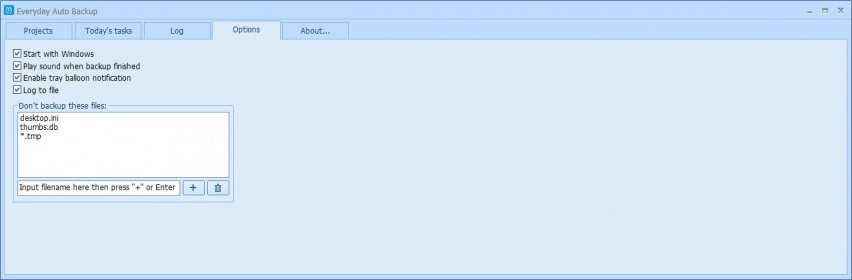
Carry out automatic backup operations in your system. Schedule multiple backup projects by providing details about the name, source folder, and destination directory, including subfolders, and selecting the time or specifying a custom value. Save backup profiles.
Everyday Auto Backup is a very simple tool that makes it easy, fast and convenient to create and run data backup jobs. This neat application also offers a simple manner of backing up files and folders automatically, at scheduled future time, without user intervention.
Its handy scheduling feature is not its only remarkable advantage. It also comes with a very simple and straightforward interface that can be used with ease by anyone, including complete beginners. Though it cannot be customized and it looks a bit dull, the interface ensures that the backup job creation and running processes are streamlined as much as possible.
Though focused on simplicity, Everyday Auto Backup also offers some handy additional options and features. For example, it provides a neat log window that keeps track of all actions related to the backup projects.
Another great thing about this tool is its price: it’s completely free. In conclusion, there’s no reason not to try it for yourself and discover how simple creating and running backup jobs can be.
Pros
- Very easy-to-use and simple
- Comes with comprehensive scheduling options
- Neat and lightweight
- Free
Cons
- The interface cannot be customized
Details
Extensions

No information available
The data will be available later.



Comments